What is the purpose of setting a maximum discount limit on a coupon?
- Set a maximum discount when choosing a percentage discount from the total purchases.
- Set a maximum commission for the marketer when choosing a percentage commission from the total order.
Example:
If the code gives a 10% discount and the cart value is SAR 500, a SAR 50 discount is reasonable. However, if the cart value is SAR 1000 or more, the discount amount may be high and cause losses for the merchant. Therefore, setting a maximum discount limit in this case acts as a preventive measure against potential losses.
Steps to set the maximum discount limit on a coupon:
1. From the side menu of the control panel, click (Marketing Tools).

2. From themarketing toolspage, click (Discount Coupons).
3. From themarketing toolspage, click(Add)then (New Coupon).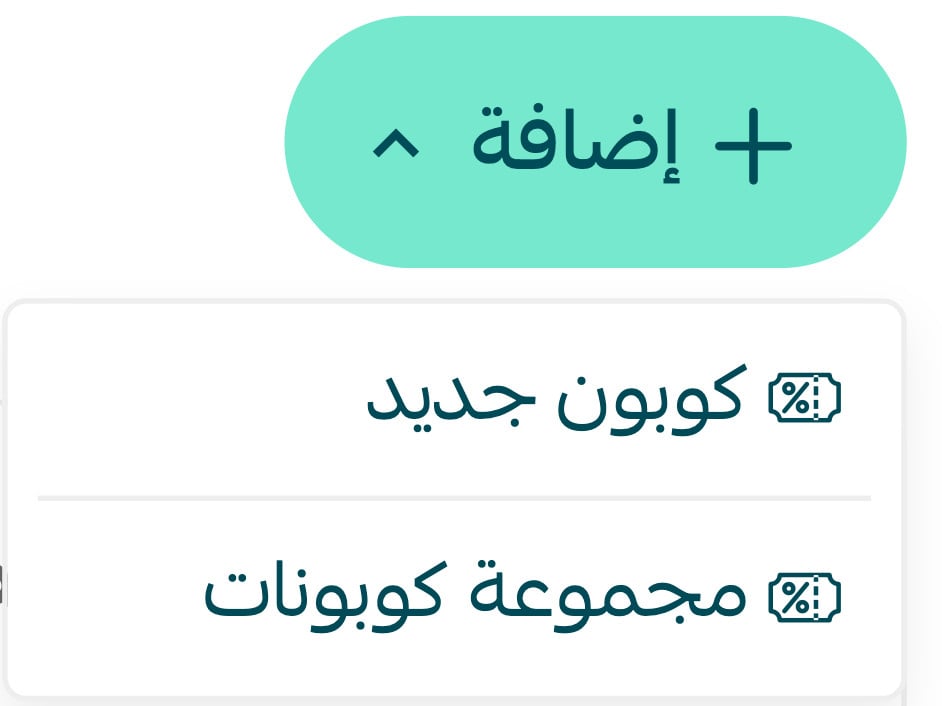
4. Enter the required information in the (Coupon Data) tab, and click (Save) to save the coupon.
Select (Percentage of customer's total purchases) as the discount type for the customer.
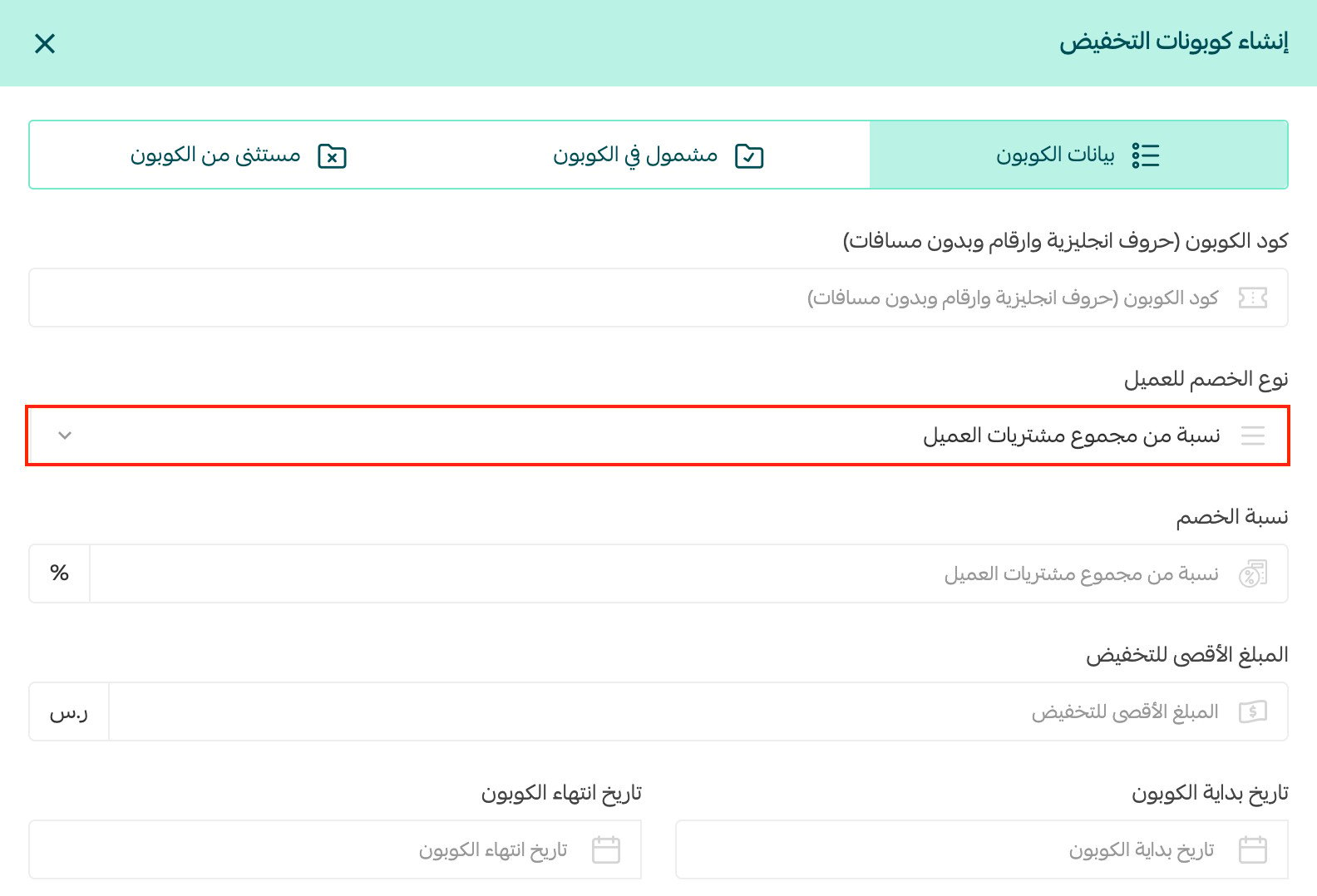
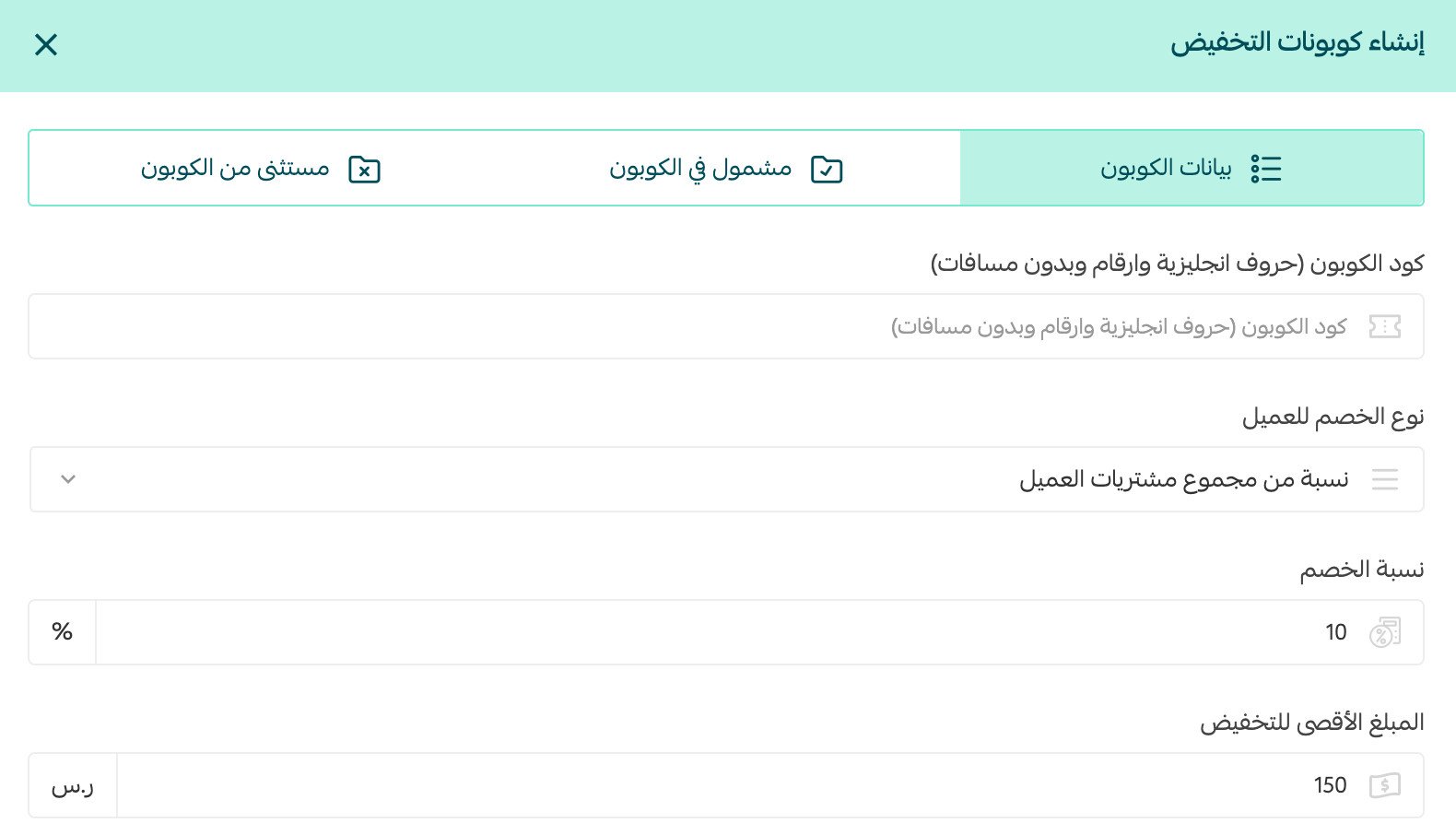
Enter the percentage to be deducted from the customer's total purchases.
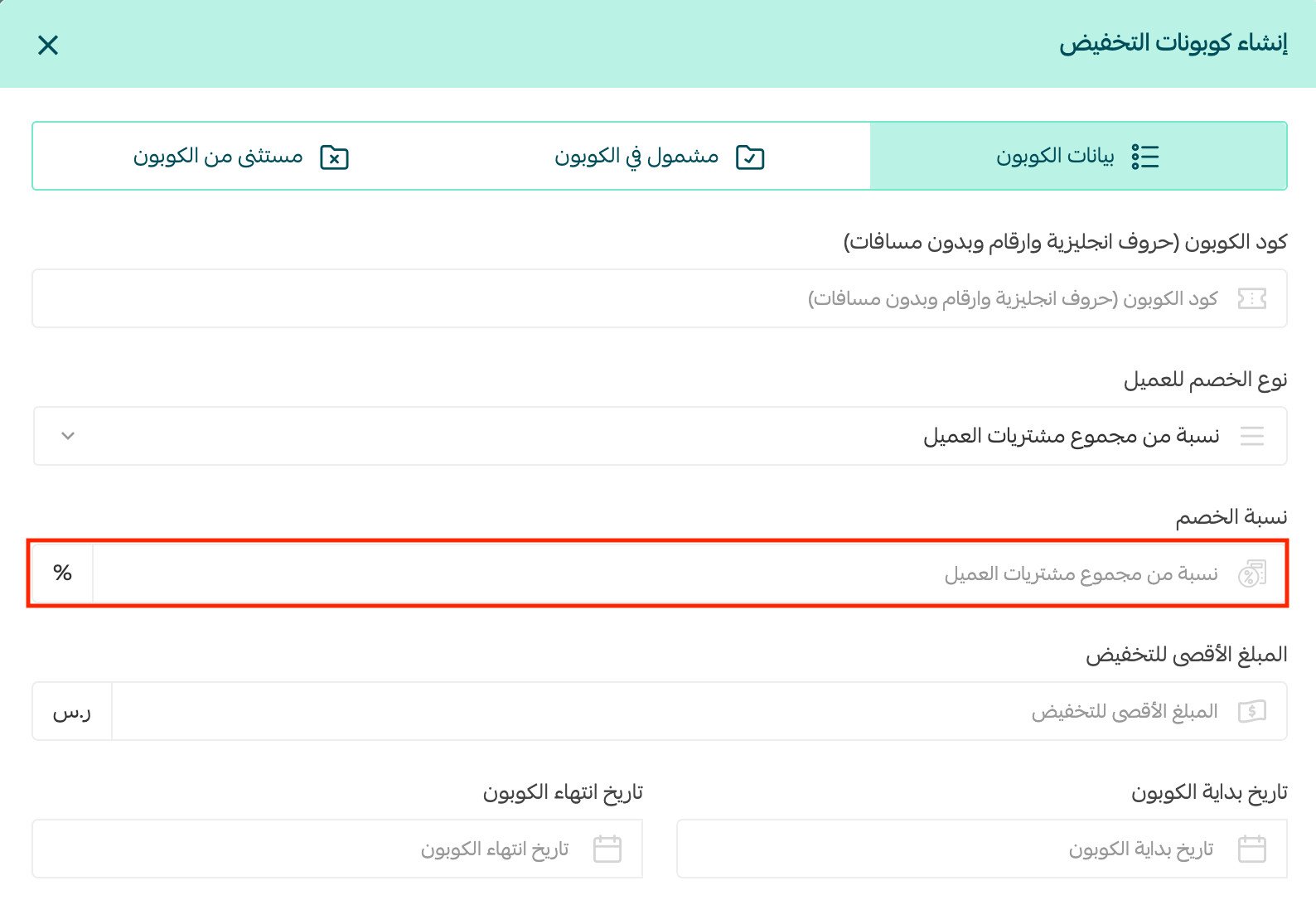
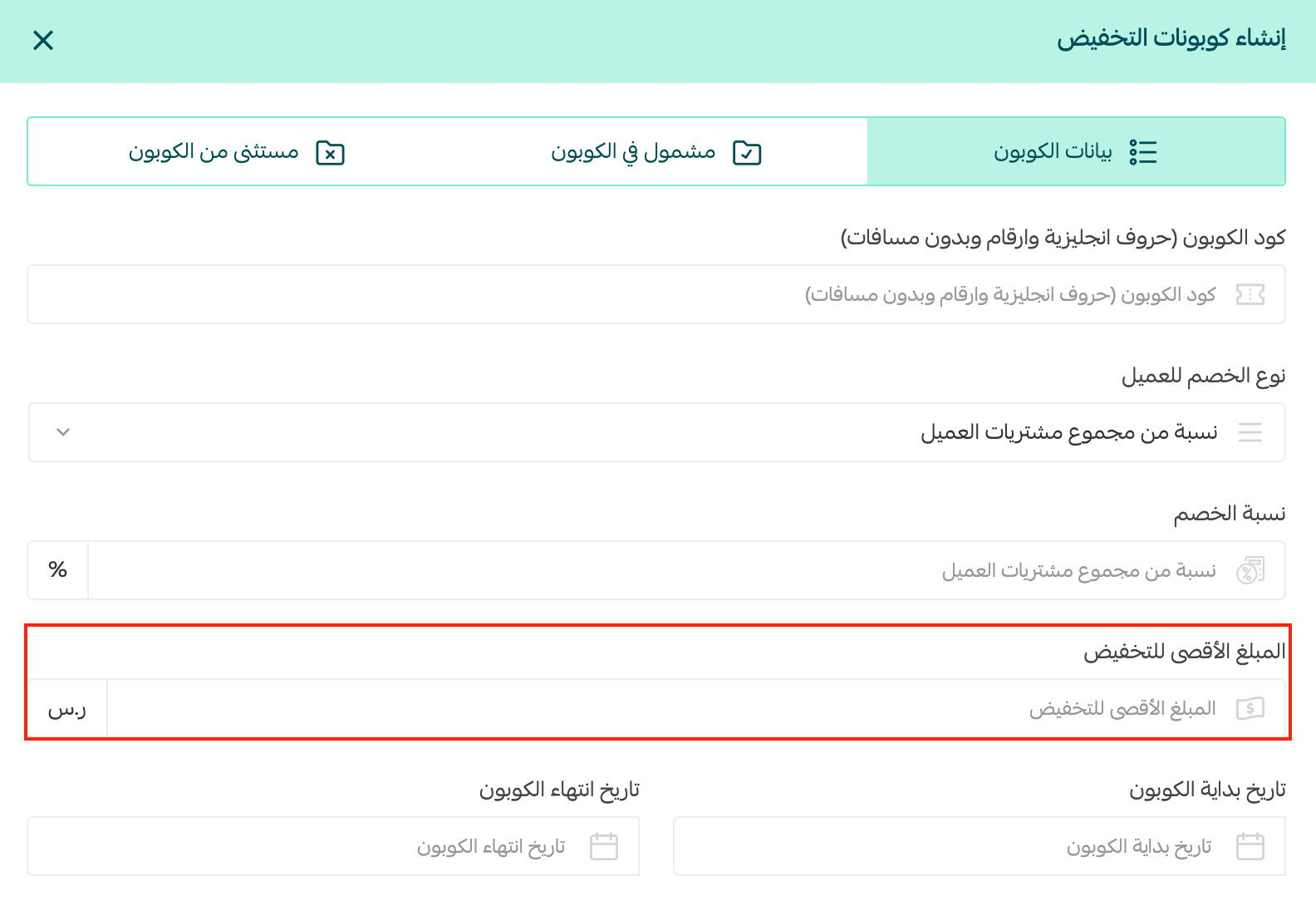
Then, enter the maximum discount amount.
For example:
For more details oncreating a new coupon
Frequently Asked Questions
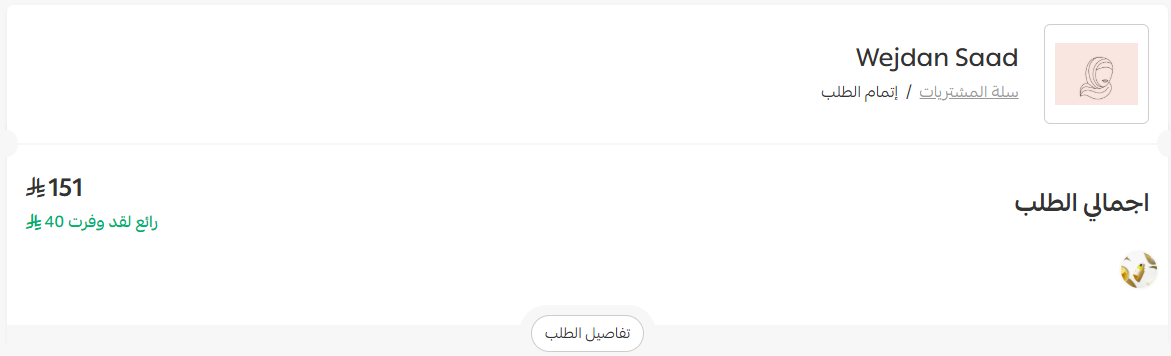
How will the maximum discount amount appear to customers at checkout?
From the coupon data tab, set the option to show the maximum discount amount to customers at checkout.

It will appear like this to the customer on the checkout page:
What types of coupons are supported?
1. Discount coupon.
2. Marketing coupon.
Which package is this feature available in?
In the Plus package and the Pro package.