


Many wholesalers face challenges reaching serious retail buyers in a direct and efficient way. Souq Eljomla by Salla provides a trusted platform where you can showcase your products without intermediaries, helping you expand your wholesale business with lower costs, less time, and precise targeting.
This guide explains how to join Souq Eljomla as a wholesaler, add products, manage pricing, and track wholesale orders effectively.
📌Article overview
- About Souq Eljomla
- Requirements to register as a wholesaler
- How to join Souq Eljomla as a wholesaler
- Adding your products to Souq Eljomla
- Browsing and filtering products
- Managing pricing
- Tracking Souq Eljomla orders
About Souq Eljomla
As a wholesaler, Souq Eljomla is a powerful opportunity to list your products directly to retail buyers, without risk. You can scale your wholesale sales while minimizing operational costs and resources.
Requirements to register as a wholesaler
To join Souq Eljomla as a supplier, your store must meet the following conditions:
- Your business entity must be a registered company or establishment.
- Your store must be fully verified.
- Your store must be on the Plus or Pro plan.
- Your store must have 10 or more completed orders.
- Your store must include at least one product of type:
- Ready product
- Food
- Digital card
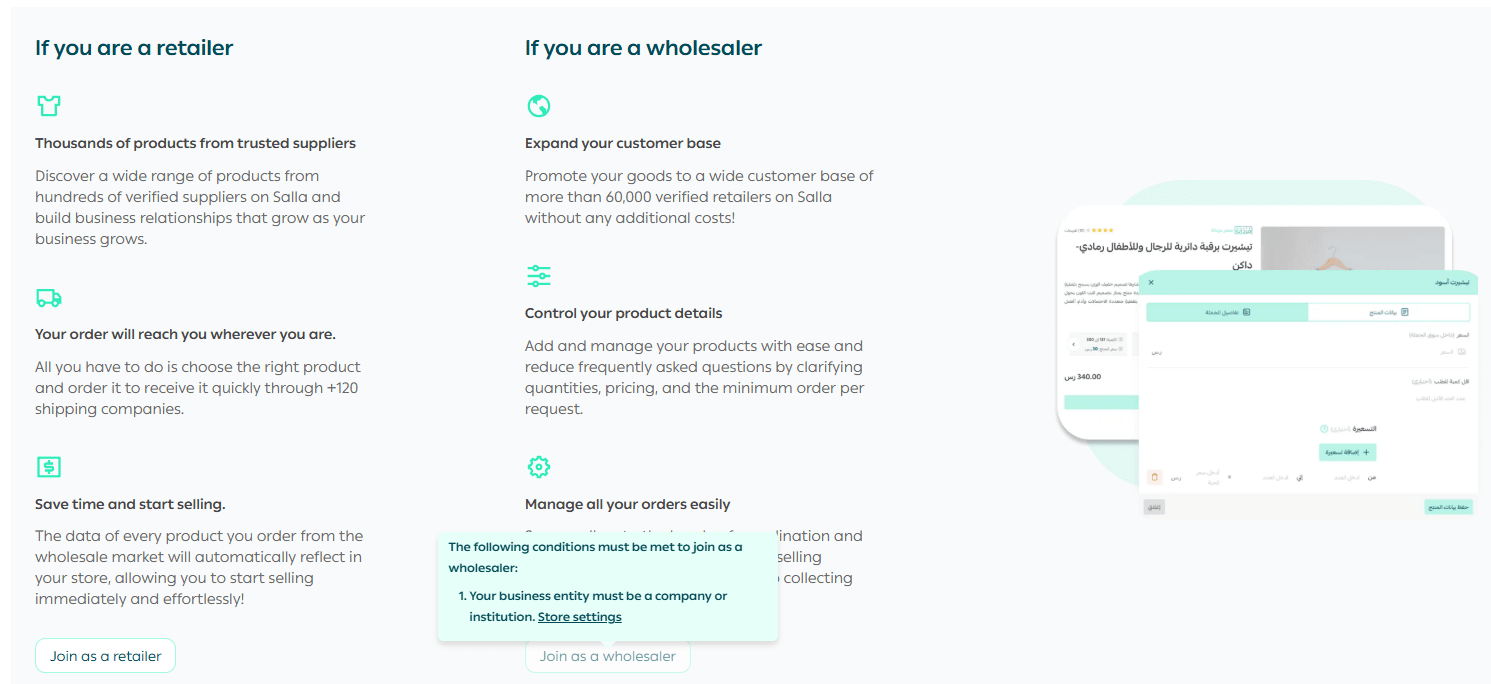
Note: If you don’t meet any of these requirements, you can upgrade your plan, verify your store, or complete store setup directly from the pop-up window shown when hovering over the Join as Wholesaler button.
Joining Souq Eljomla as a wholesaler
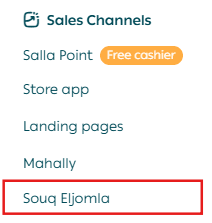
- From the main menu, click Sales Channels, then select Souq Eljomla.
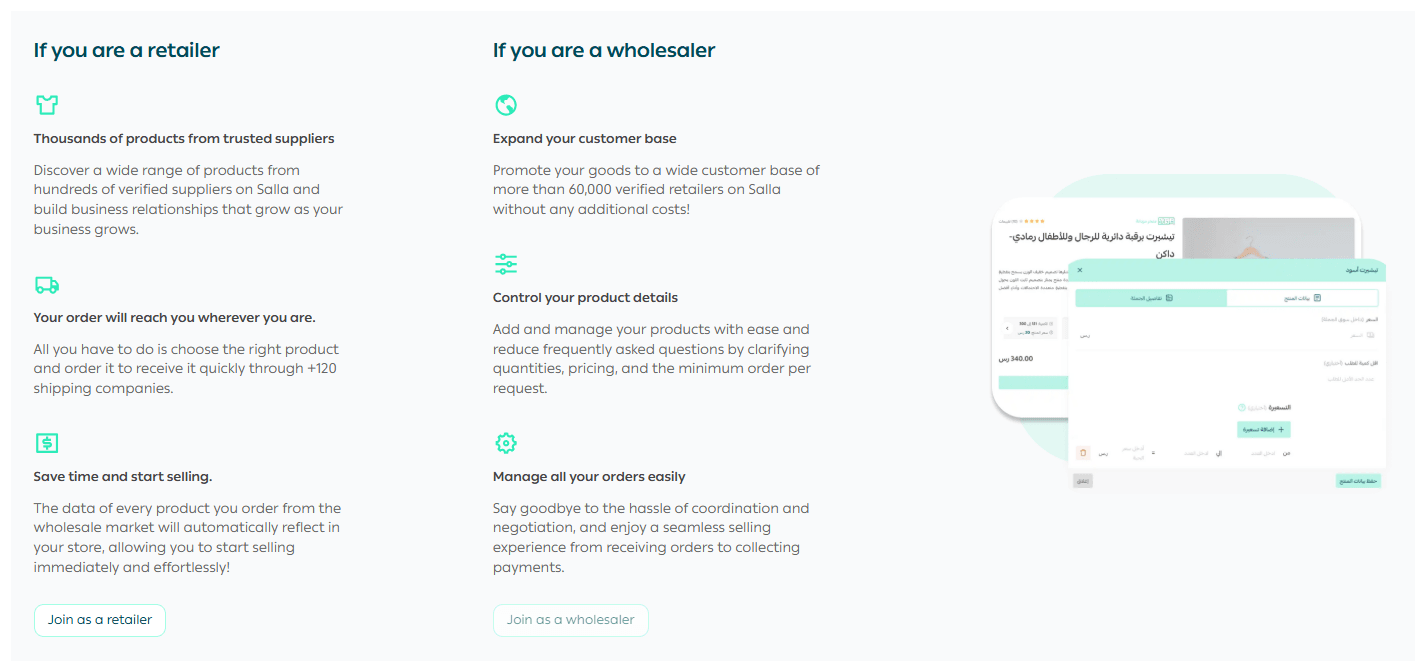
2. On the Souq Eljomla welcome page, click Join as Wholesaler.
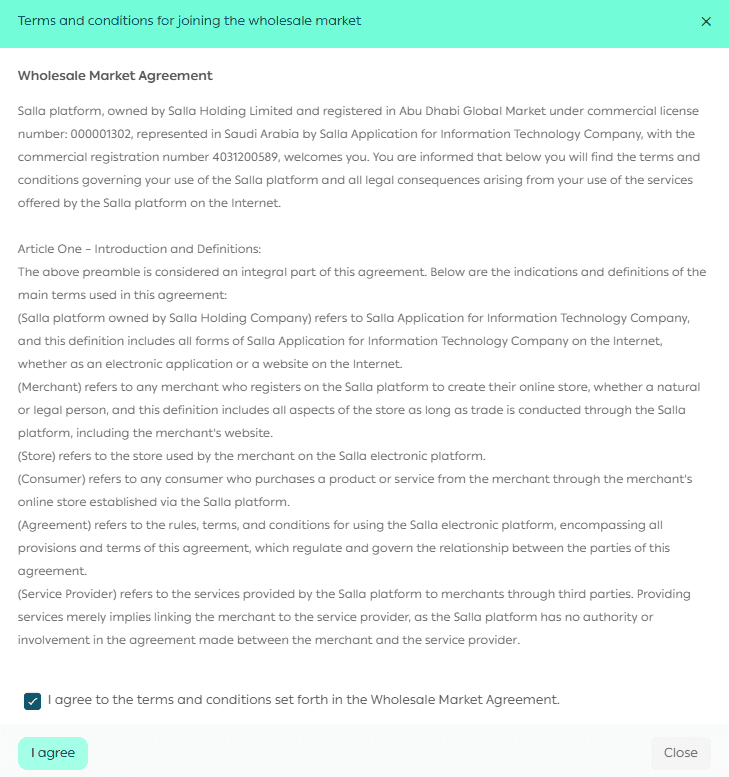
3. Read the Souq Eljomla agreement, check the box to accept the terms and conditions, then click Agree.
You will be redirected to the Souq Eljomla homepage as a wholesaler.
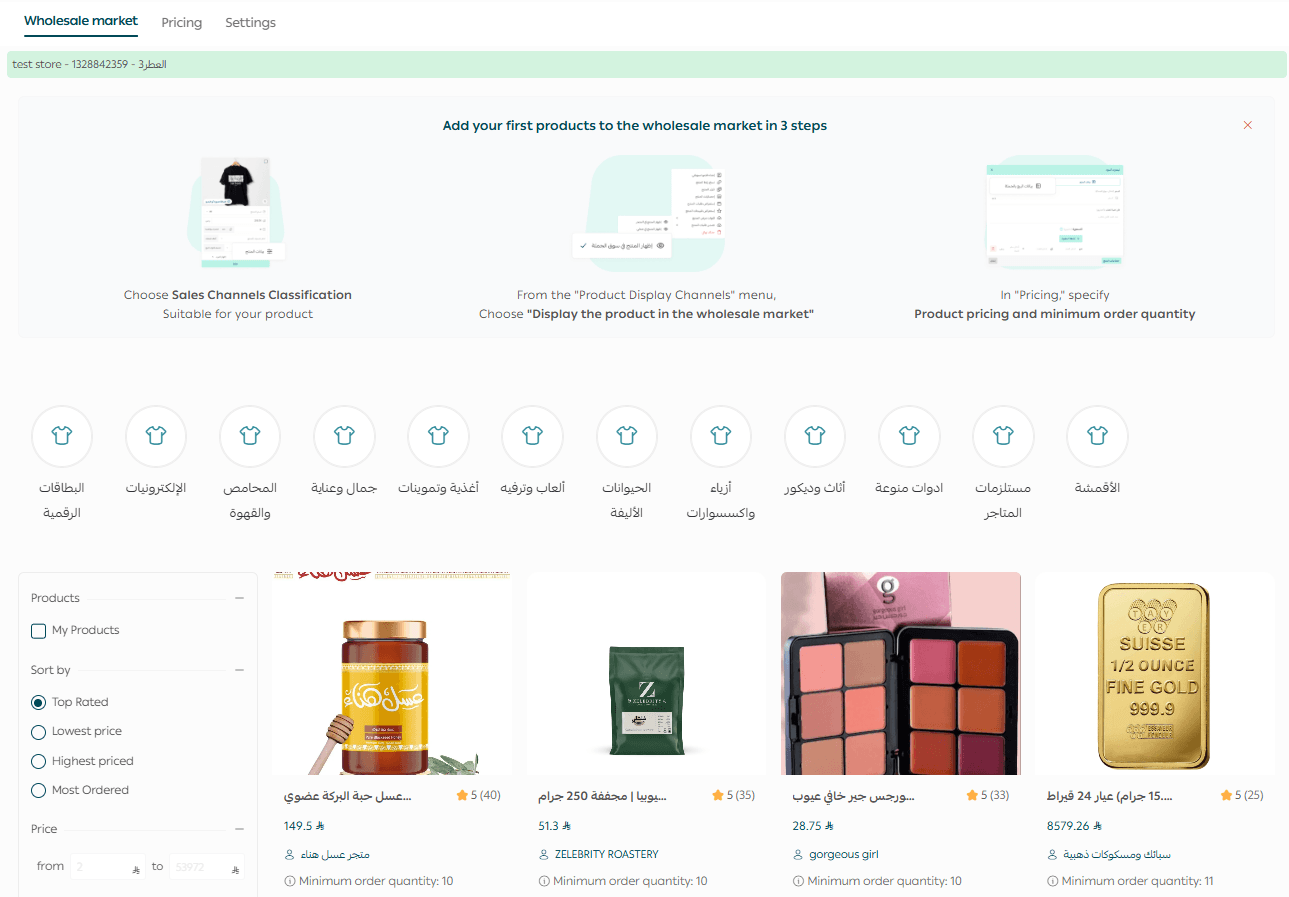
You will also receive a welcome email containing a link to start selling in Souq Eljomla.
Adding your products to Souq Eljomla
Only products of type Ready Product, Food, or Digital Card can be added to Souq Eljomla.
Step 1: Assign a Souq Eljomla category
- From the top menu, click Products.

2. Select the product(s) you want to add to Souq Eljomla.
3. From the Souq Eljomla Category dropdown, select the appropriate category.
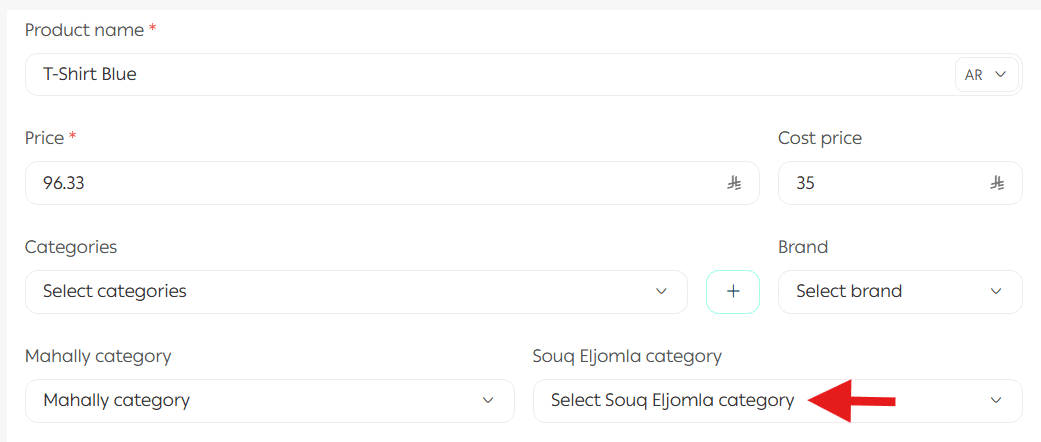
4. Click Apply Actions.

Step 2: Display the product in Souq Eljomla
- Open the product card.
- Under Sales Channels, enable Show product in Souq Eljomla.

3. Click Apply Actions.
Step 3: Add wholesale pricing
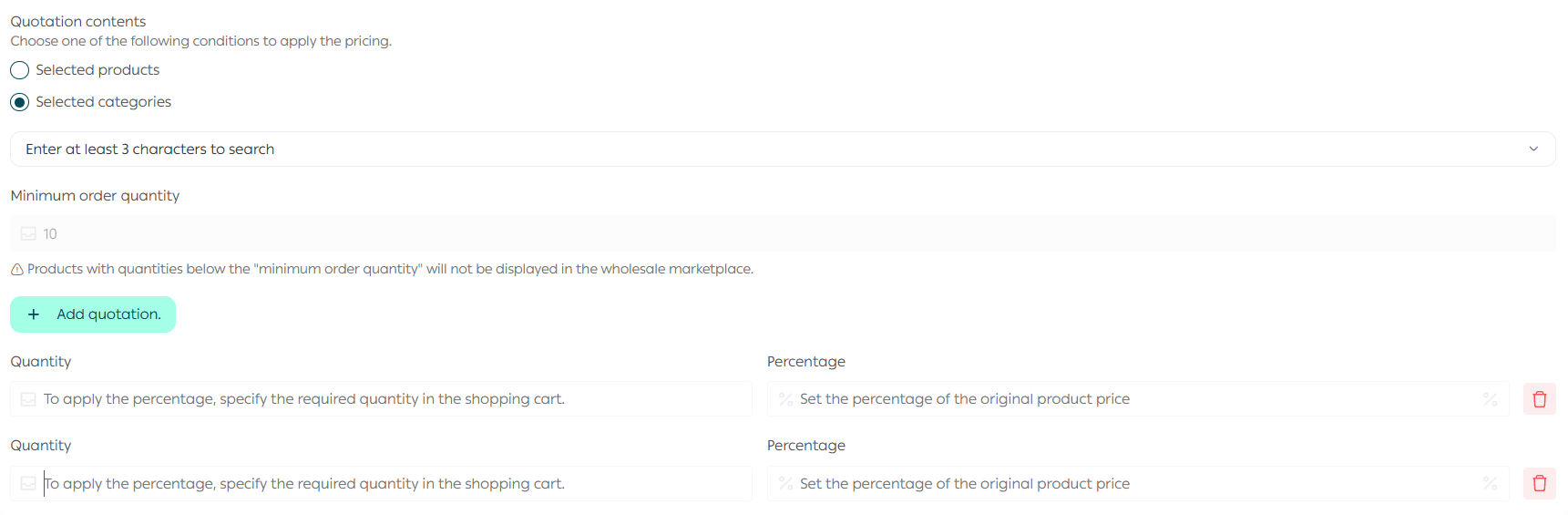
- From the Souq Eljomla homepage, open the Pricing tab.
Click Add Pricing.
- Enter a suitable name for the pricing rule.

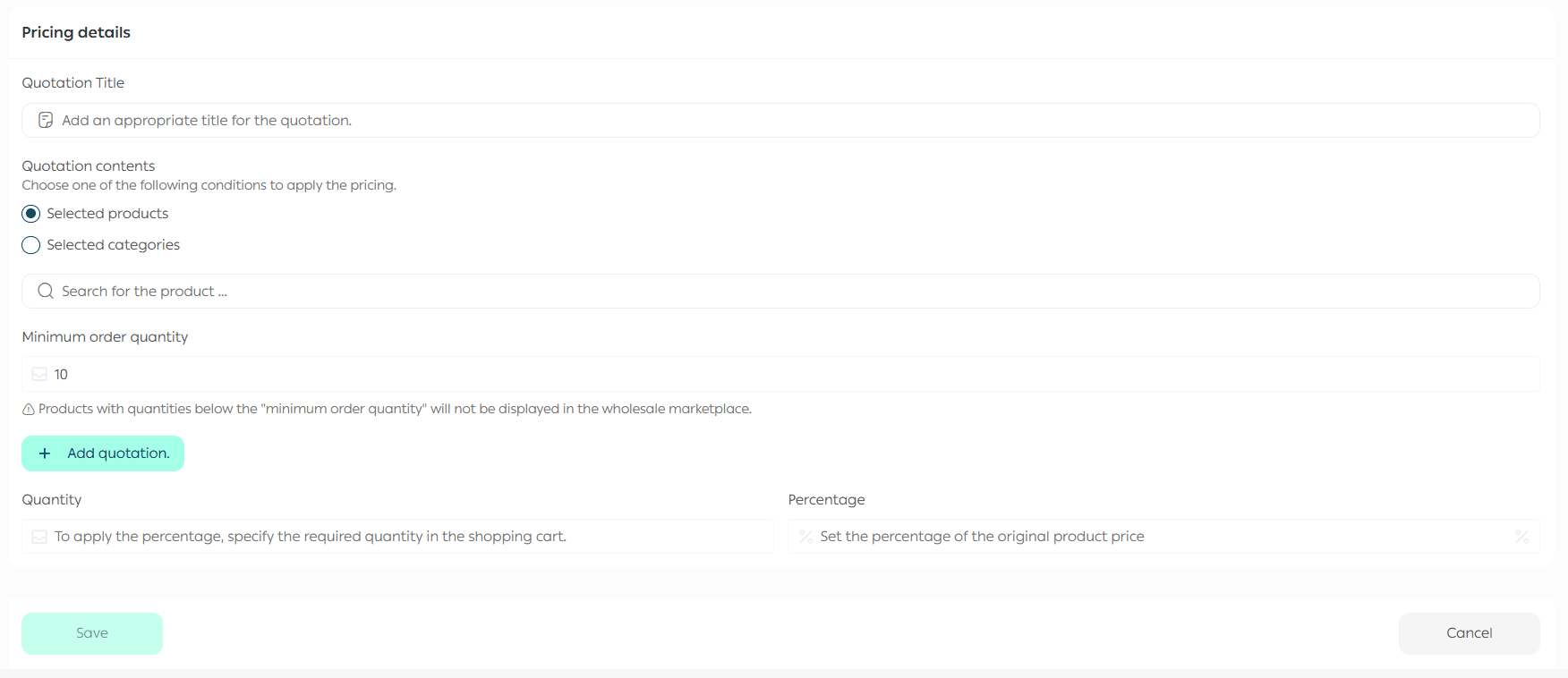
4. Select the products or categories this pricing will apply to.
Choose the pricing type
You can choose between two pricing options:
Option 1: Single Pricing

- Set the minimum order quantity.
- Set the percentage discount from the final product price.
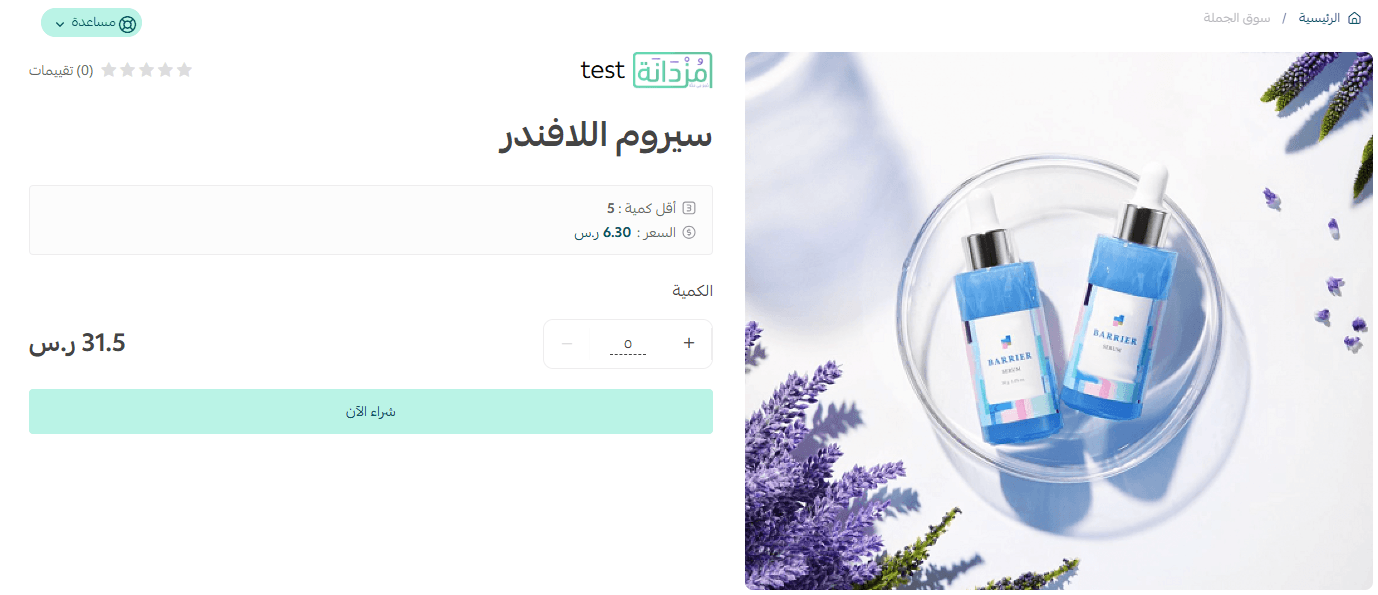
Option 2: Tiered Pricing
- Set the minimum order quantity for each tier.
- Set the percentage discount from the final product price.
Example: If the original product price is SAR 100 and you apply a 5% wholesale discount, the wholesale price will appear as SAR 95.
To add additional pricing tiers, click Add Pricing.
Note:
- A minimum of two pricing tiers is required.
- You can add up to 10 pricing tiers.
Important pricing note
Souq Eljomla pricing is applied to the final product price:
- If the product has a discounted price, the wholesale percentage is applied to the discounted price.
- If there is no discount, the percentage is applied to the base price.
Browsing and filtering products
After your application is approved:
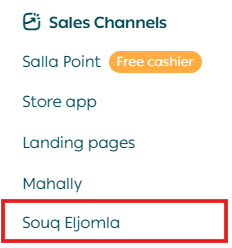
- From the main menu, click Sales Channels, then select Souq Eljomla.
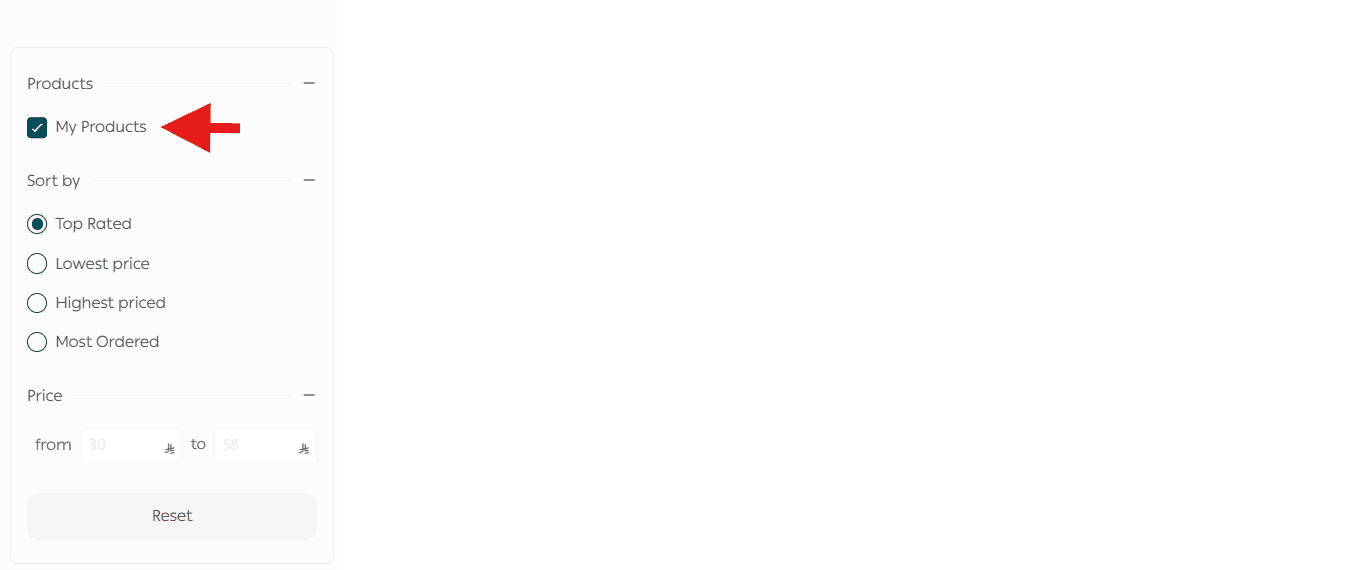
You can filter and sort products by:
- Product category
- Price (lowest to highest / highest to lowest)
- Rating
- Most ordered
- Price range
You can also choose to display only your own products.
Managing pricing
- From the Souq Eljomla page, open the Pricing tab.
- From the pricing card, click the More (…) menu.

From here, you can:
- Edit pricing
- Delete pricing
Tracking Souq Eljomla orders
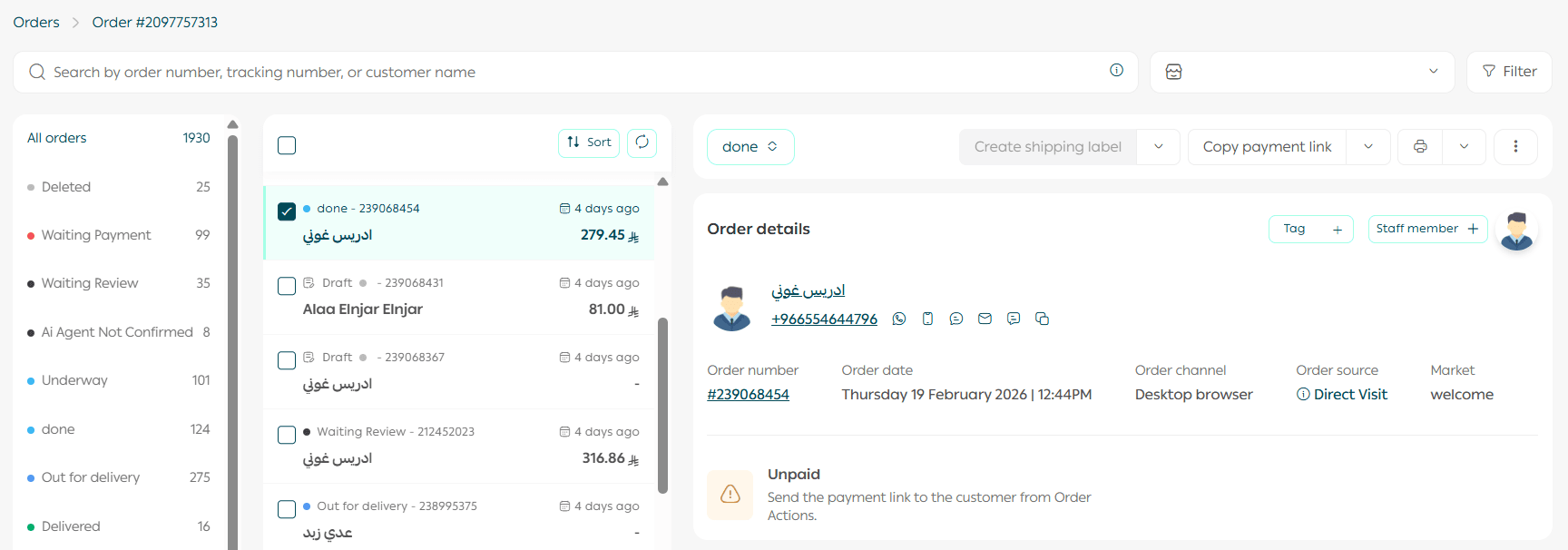
- From the Souq Eljomla page, click the Orders tab.

Orders from Souq Eljomla are processed just like any other order in your store, using the same order management workflow.
By joining Souq Eljomla, you gain direct access to retail buyers, structured wholesale pricing tools, and a scalable way to grow your B2B sales efficiently.