


How can I add all my stores to the login list?
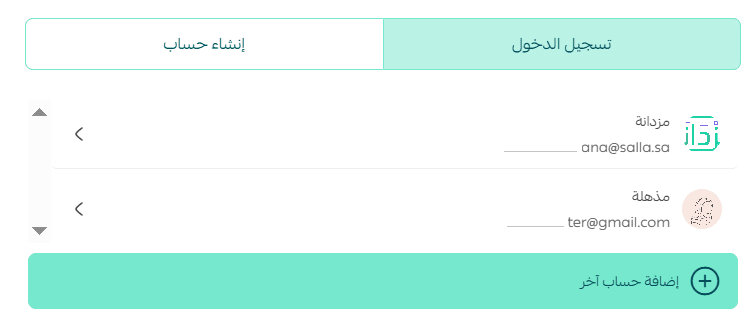
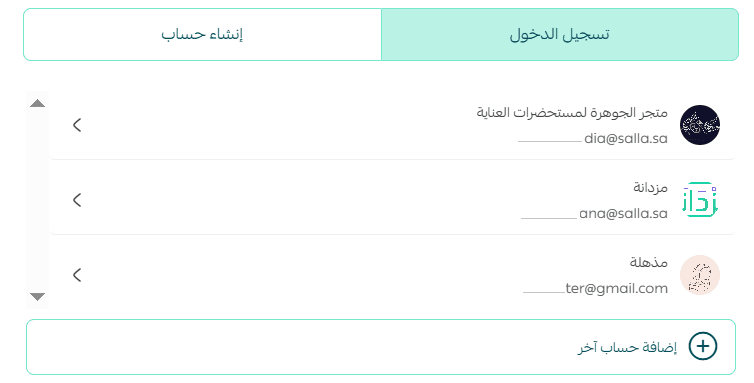
If you have multiple stores, you can add them to the login list by following these steps:
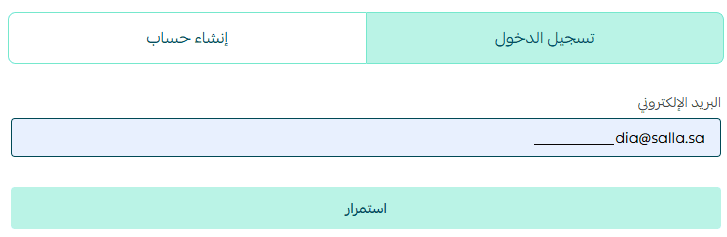
- From the login page, click + Add another account.
- Sign in to the account you want to add to the list.
- Log out of the store, and it will then appear in the login list.
Do I need to take additional steps to use electronic payment integrations?
Yes, there are several requirements:
- Verify your store, which is a mandatory requirement to activate electronic payment gateways.
- Upgrade your plan to either Salla Plus or Salla Pro.
- Activate the electronic payment integration.
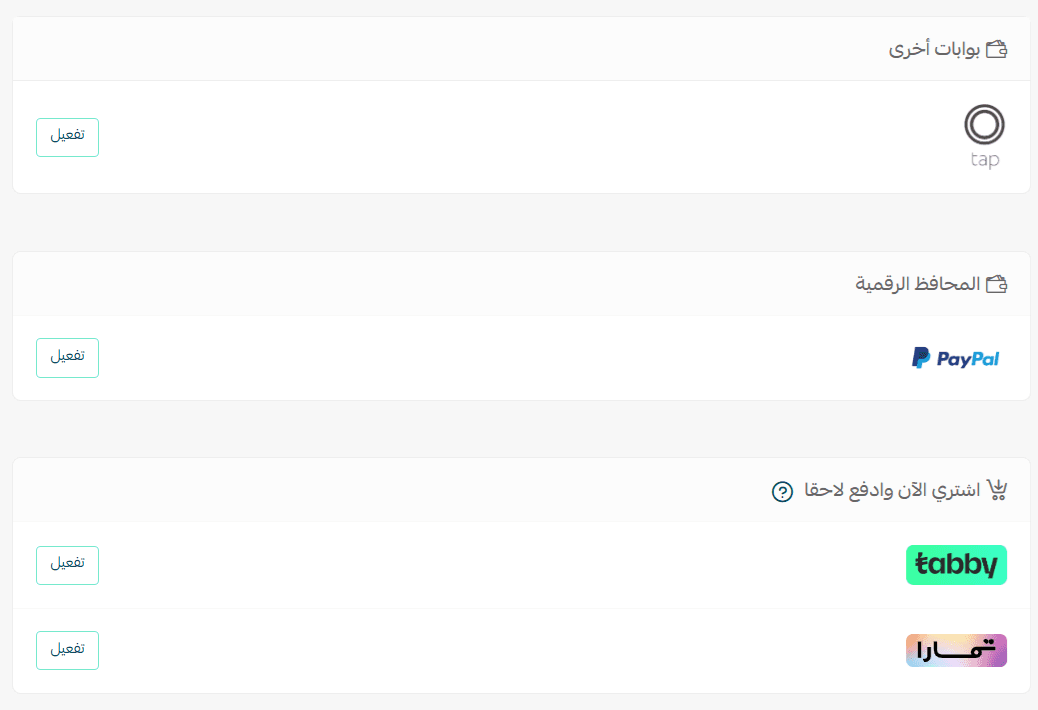
How can I connect or disconnect payment providers after completing registration?
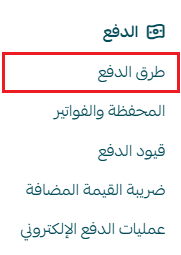
- From the main menu, click All.
- Then select Payment Methods.
- From the payment methods page, enable or disable the payment options you want and click Save.

Can I connect or disconnect shipping companies after completing registration?
Yes, you can do that as follows:
- From the main menu, click All.
- Then select Shipping Companies.
- You can enable or disable any available shipping company.

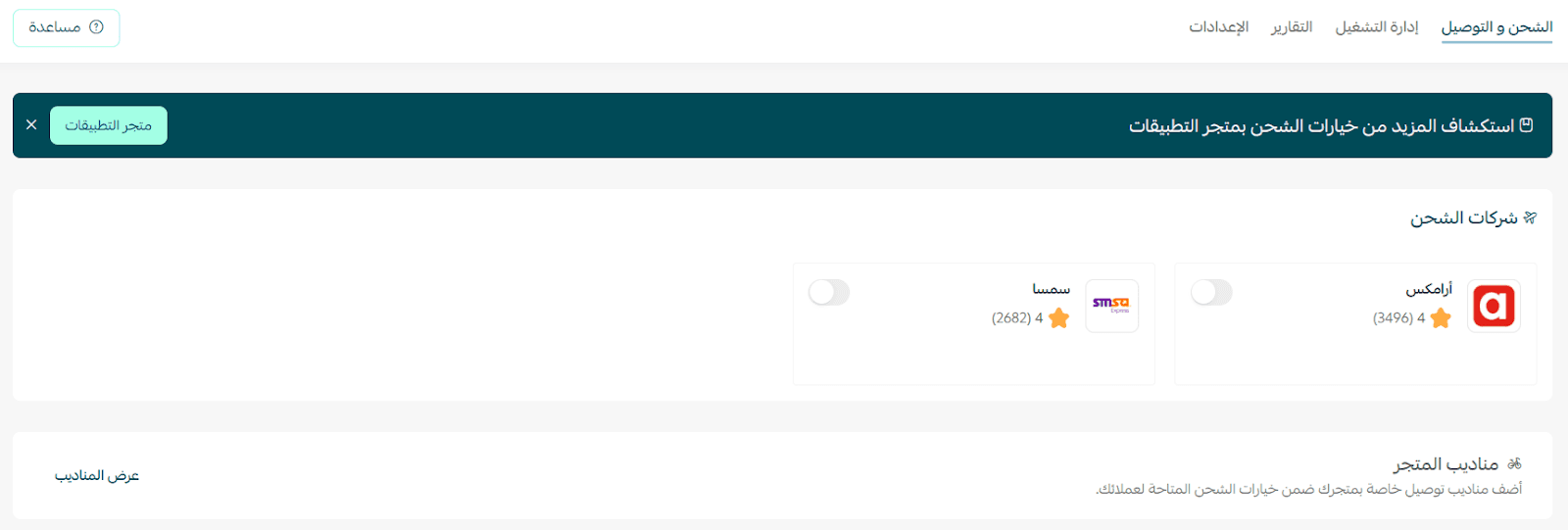
You can also install shipping applications available in the UAE, such as:
- Shipa Delivery
- EMX Emirates
- Direct integration with SMSA
- Direct integration with Aramex
What types of products can I add on the Basic plan?
On the Basic plan, you can add ready-made products only.
To add other product types, you will need to upgrade to Salla Plus or Salla Pro, which allow you to add products such as:
- Digital products
- Digital cards
- Food products
- Ready products
- Product bundles
- Booking products