RedBox redefines the delivery experience in Saudi Arabia through its Home Delivery service, combining the wide network of RedBox pickup points with the convenience of doorstep delivery.
Shipments are delivered from the nearest pickup point at scheduled times with ease and reliability, while still giving customers the option to collect their orders from a pickup point if they prefer.
📌 Article overview
- Steps to install the RedBox – Home Delivery app
- How to connect the RedBox – Home Delivery app
Steps to install the RedBox – Home delivery app
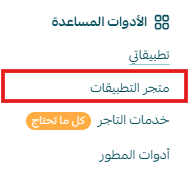
- From the main menu, click All, then under Tools, select App Store.
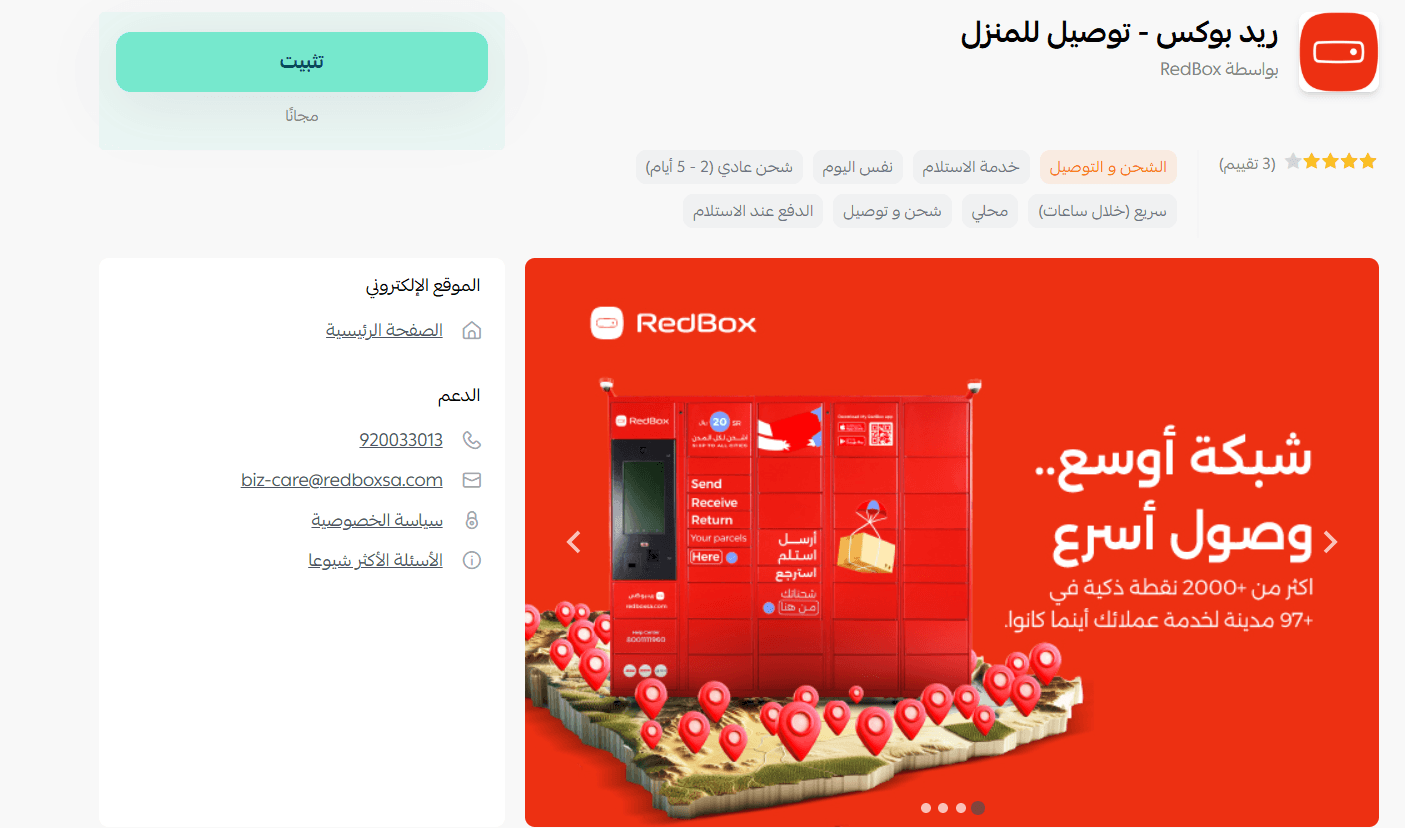
- Search for the app using the search bar.

- From the RedBox – Home Delivery app page, click install.
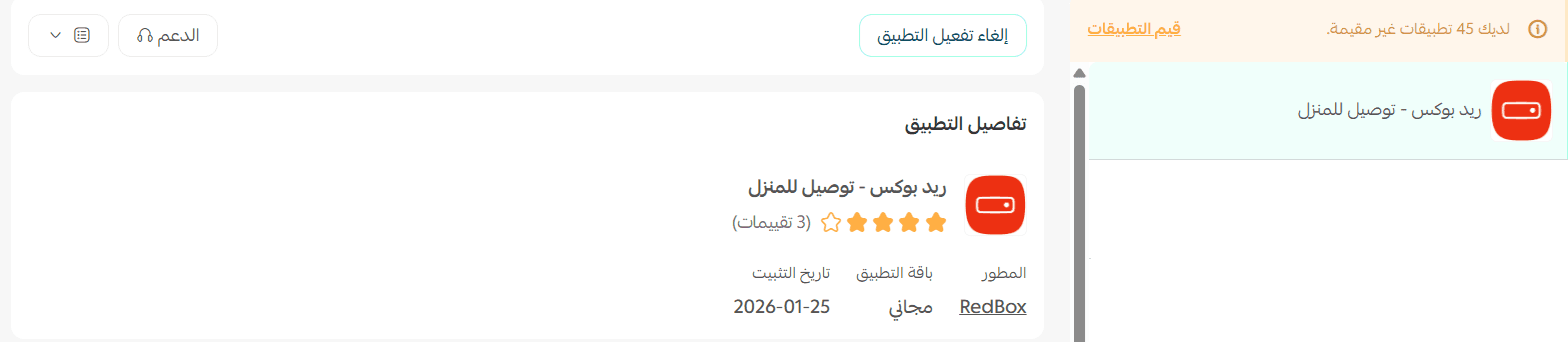
- The app will appear under My Apps.
How to connect the RedBox – Home Delivery App
- From the app page, you can add a new shipping rate.
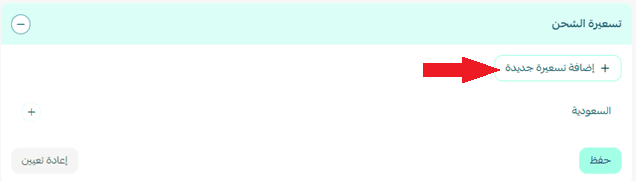
- To set up shipping rates, go to the Shipping rates section and click Add new rate.
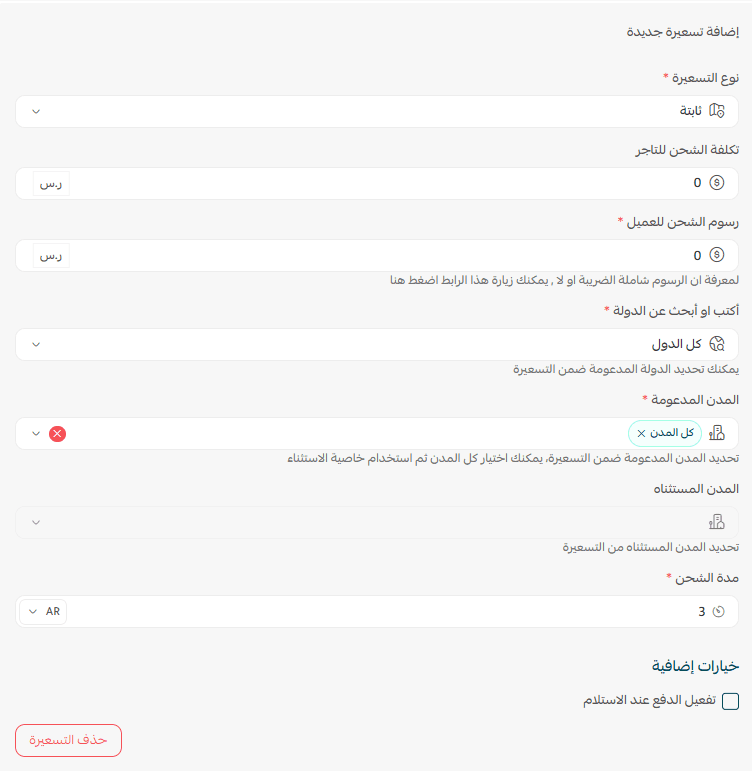
- Enter shipping rates for the required cities and regions.
- Add your shipping cost as a merchant to help calculate and display your store’s shipping-related profits.
For more details about setting up shipping costs with direct integration, check out this article.
Delete the app
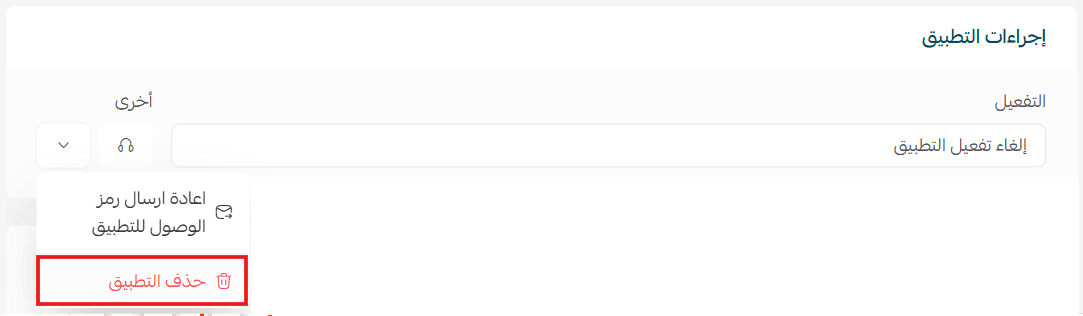
- From the app actions section, click more, then select delete app.