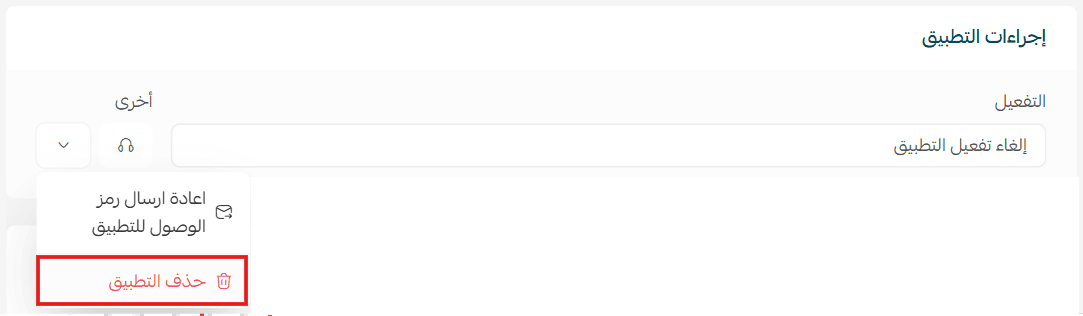
Javna is an app that connects your Salla store with WhatsApp, allowing you to manage customer communication in an automated and comprehensive way.
It enables order updates, campaign management, and smart replies—all without requiring any technical expertise.
📌 Article overview
- Steps to connect the Javna WhatsApp AI Bot app
- Managing the Javna WhatsApp AI Bot app
Steps to connect the Javna WhatsApp AI Bot app
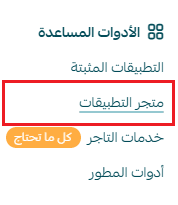
- From the main menu, click All, then under Tools, select App Store.
- Search for the app using the search bar.

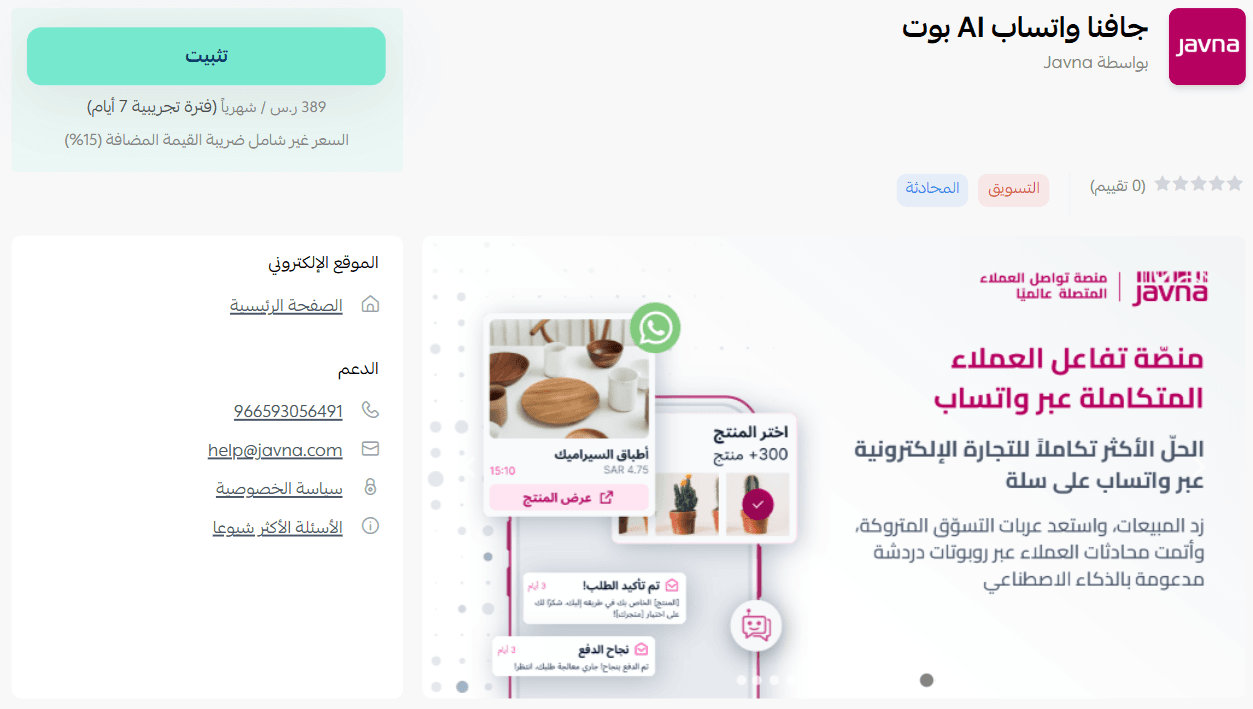
- From the Javna WhatsApp AI Bot app page, click install.
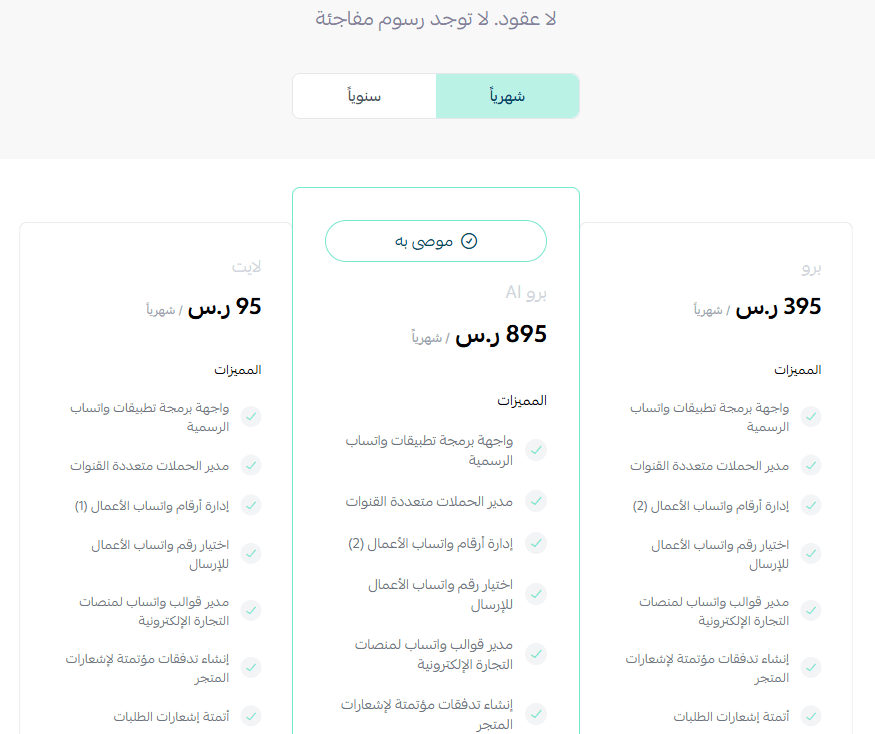
- Choose the plan that suits your business to continue installation.
- Complete the payment process to activate the app features.
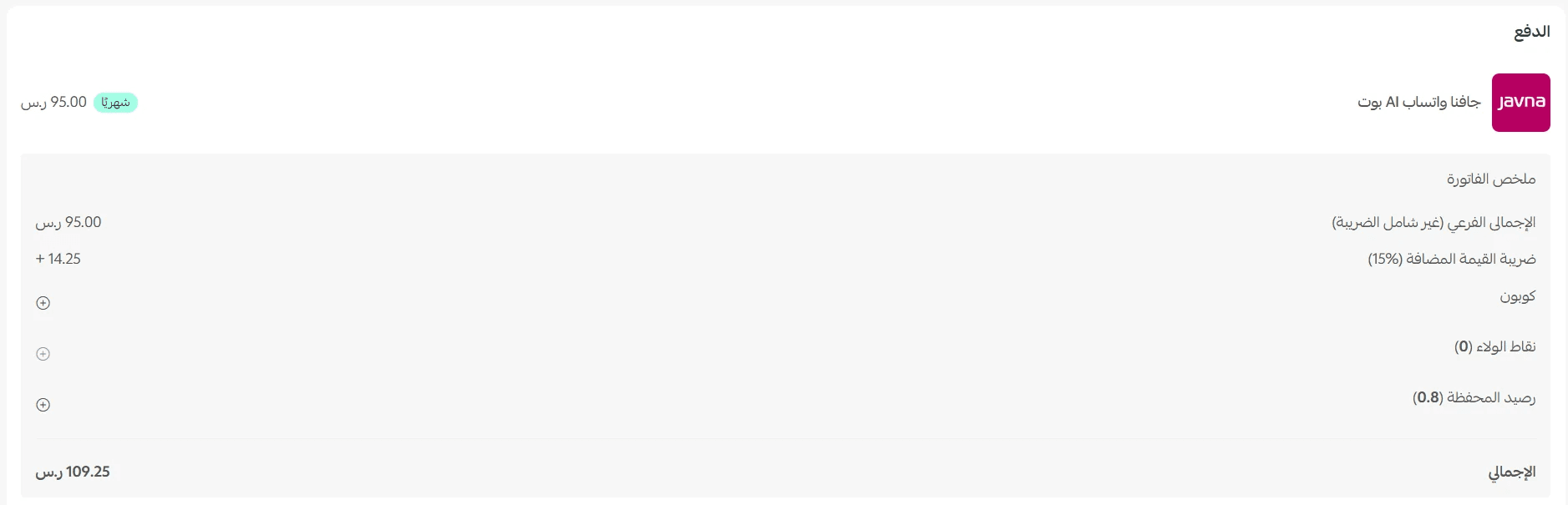
- After completing the payment, the Javna WhatsApp AI Bot app will be successfully installed on your store.
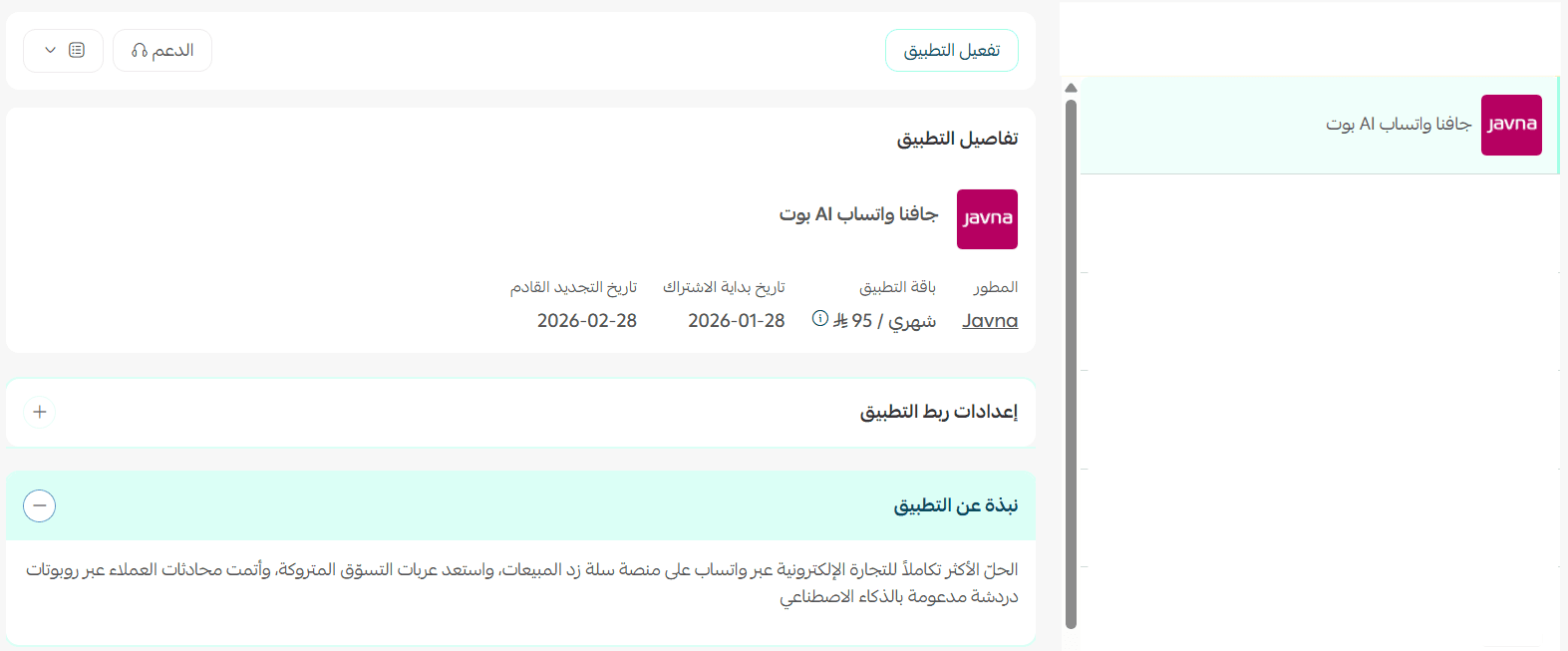
Activate the app
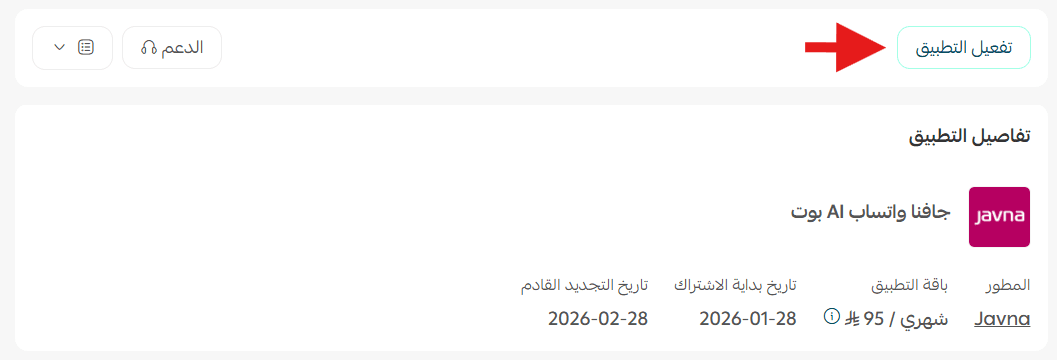
To activate the app, click Activate app.
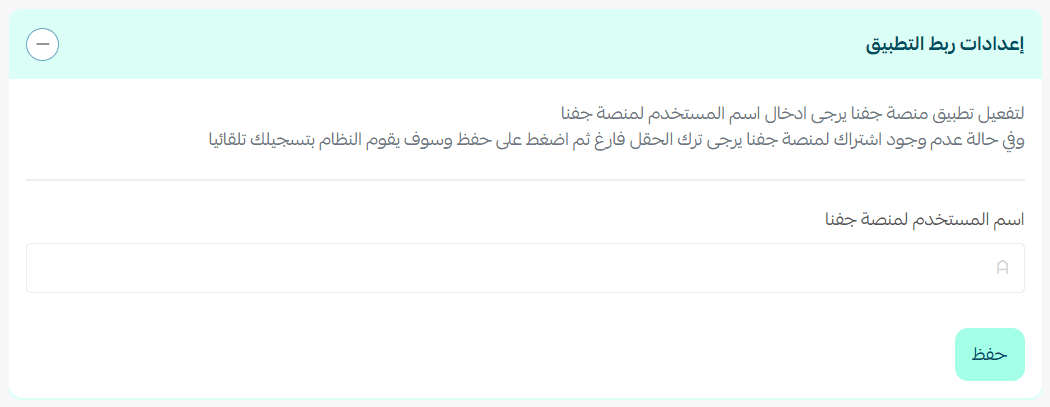
If you already have a subscription, enter your username for the Javna platform. If not, simply click save.
Managing the app
Log in to the Javna Platform
You will receive an email with your login details for the Javna platform.
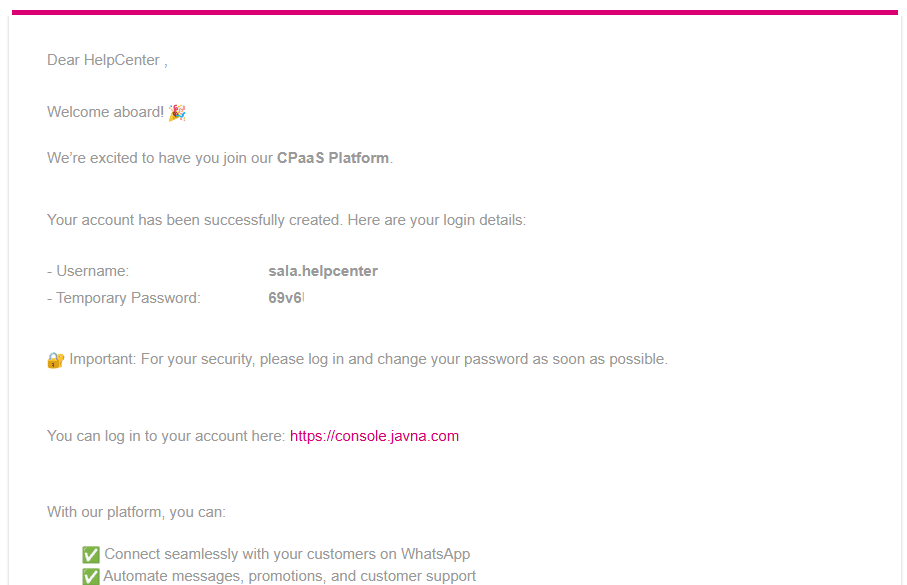
- Log in using the credentials sent to your email.
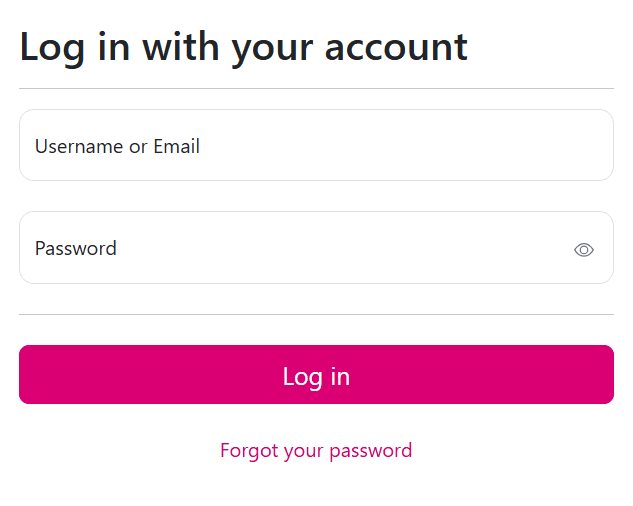
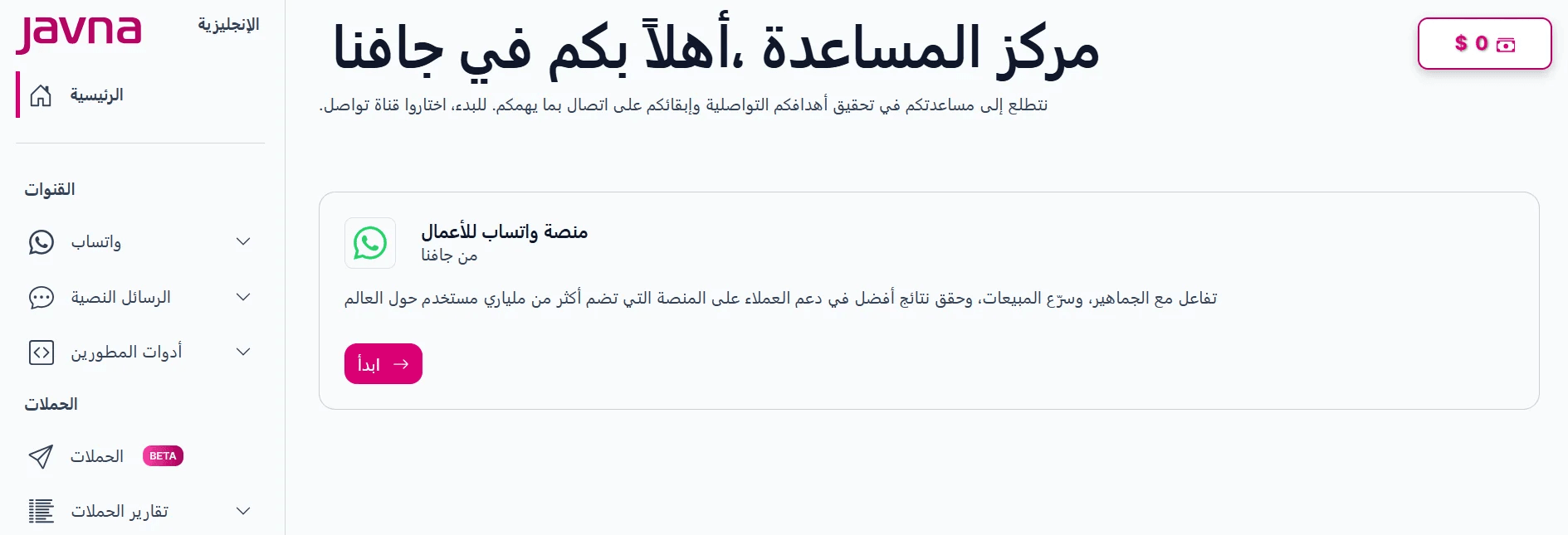
- You will be redirected to the Javna dashboard, where you can select and configure the features that match your business needs.
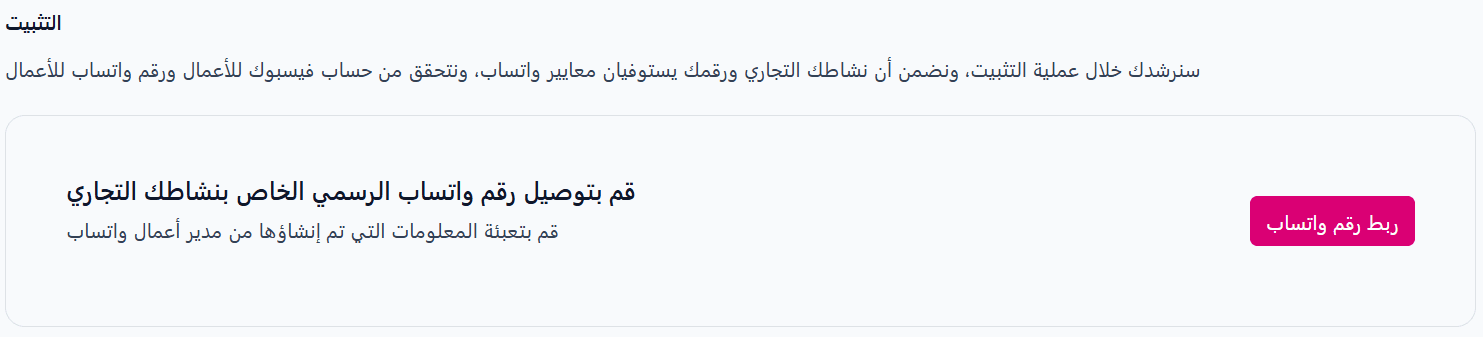
- Start by connecting your WhatsApp number to take full advantage of the app features.
Delete the app
From the Javna app page, open the app options menu, then click delete app.